AI & Automation · Guide
How to make AI videos with Runway: a beginner guide
Runway generates short video clips from text or images. Here is a realistic first project, what the output is genuinely good for, and the limits nobody mentions in the demos.
The Nextversity teamAI & Automation schoolUpdated August 10, 20265 min read
On this page
The short answer
Runway turns a text description or a still image into a short video clip. You generate a few seconds at a time, then assemble the clips into something longer in an editor.
That last part is the thing the demo reels skip. AI video generation gives you raw material, not a finished video. The edit, the sound and the pacing are still yours, and they are still what decides whether anyone watches.
Your first project, realistically
Pick something short. A ten-second title sequence, an atmospheric intro, or three b-roll shots for a video you already have.
- Write a shot list first. Three or four shots, each described in one sentence. Treat it like directing, because that is what you are doing.
- Generate image to video where you can. Starting from a still you control gives far more predictable results than starting from text alone, because you have already fixed the composition.
- Generate several versions of each shot. Expect to keep one in three or four. That ratio is normal and it is worth budgeting credits for.
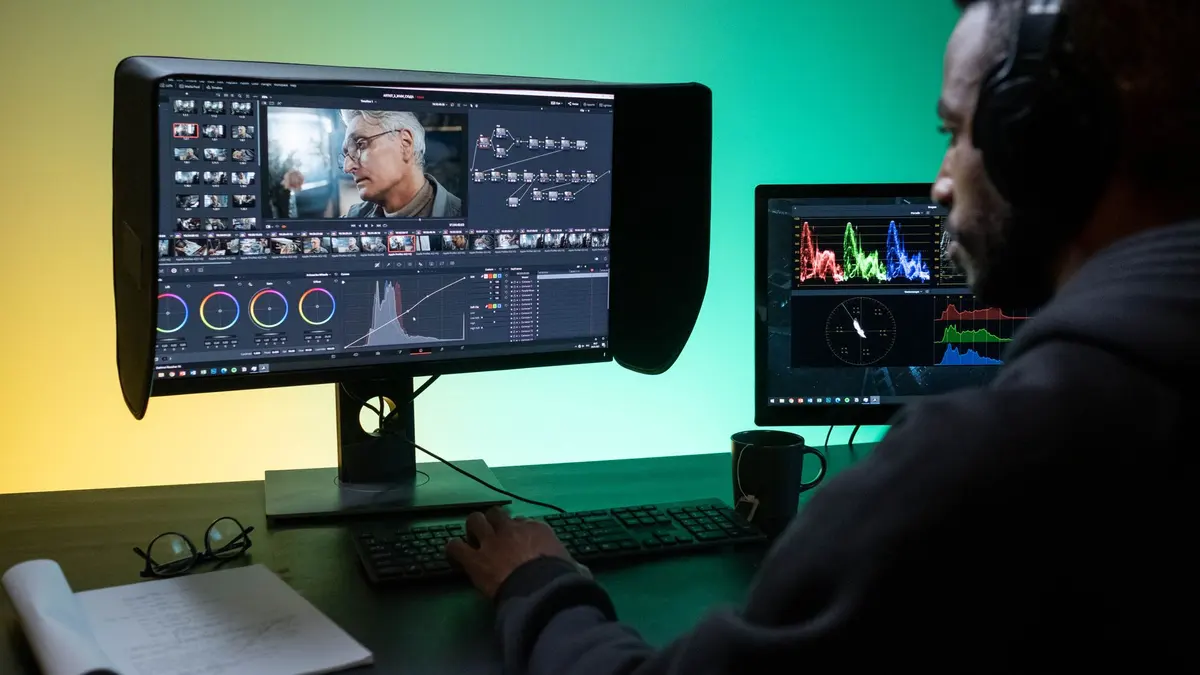
- Assemble in an editor. DaVinci Resolve is free and more than capable, and CapCut is faster for social formats.
- Add sound. This is the biggest single quality jump available, and it costs nothing but attention. Silent AI clips feel like tech demos; the same clips with atmosphere and a music bed feel like film.
Runway's own help center documents the current tools, and its site covers plans and credit costs.
What the output is genuinely good for
- B-roll and atmosphere. Abstract, textural or establishing shots that would be expensive to film.
- Concept and pitch work. Showing a director or a client the idea before committing a budget.
- Short social content, where a few seconds is the whole format.
- Effects you cannot shoot. Surreal, impossible or stylized imagery.
- Extending or cleaning up existing footage with the editing tools.
What it is not good for yet
- Dialogue and people talking. Faces and mouths remain hard, and the uncanny gap is unforgiving.
- Long continuous shots. Generations are short by design.
- Exact continuity. Getting the same character, wardrobe and set across shots is the hardest problem in this space.
- Precise action. "She picks up the cup with her left hand and turns" is a direction the tool will interpret loosely.
Generated clips are ingredients. The cooking is still an edit, and editing is a craft that has not been automated.
Prompting for video
Similar to image prompting with one addition: describe the motion.
Subject, setting, style, lighting, camera movement.
"A paper boat drifting on dark water, night, cinematic, moonlight from the left, slow dolly in"
Practical advice:
- One movement per clip. Two camera moves in one generation usually produces neither.
- Say the camera move explicitly. Static, slow push in, pan left, handheld. Otherwise you get whatever it feels like.
- Start from an image for anything where composition matters.
- Keep prompts short and concrete. Long poetic prompts dilute.
Credits and cost
Generation runs on credits, and iteration burns them faster than beginners expect because most attempts get discarded. Plan for it: decide how many shots you need, assume a keep rate of about one in four, and budget accordingly.
There is a free tier for trying it. Use that before subscribing, and do a real project rather than a test, because a real project reveals the limits within an afternoon.
Where this fits in a video skill set
AI generation is a tool inside video work, not a replacement for it. The skills that matter, in order: story, pacing, sound, color, then tools. Someone who can edit well and uses AI clips will outproduce someone who can generate clips and cannot edit, every time.
The Runway certificate covers generation and how it fits into a real workflow. For the craft around it, the Video Editing & Motion Graphics school covers Resolve, Premiere Pro, After Effects and CapCut, and there is an overview of AI video generation worth reading first.
One subscription opens both schools.
Generate the shots. Edit them like a filmmaker. That order is the whole thing.
Questions people ask
What is Runway used for?
Generating short video clips from a text prompt or a still image, plus editing tools like background removal and inpainting. It is used most for b-roll, concept work and short social clips.
Is Runway free?
There is a limited free tier with credits, and paid plans add more generation and higher resolutions. Check Runway's current pricing, since plans and credit costs change.
How long can Runway videos be?
Individual generations are short, typically a few seconds, and you extend or stitch clips to build something longer. Plan your project as a series of short shots rather than one continuous take.
Can I use AI video commercially?
That depends on the platform's terms and your plan. Read the current terms before client work, and be aware that rules on AI content disclosure are appearing in some advertising and broadcast contexts.
Do I still need video editing skills?
Yes, more than ever. Generated clips are raw material. Pacing, sound, color and structure are what turn a folder of clips into something worth watching, and none of that is generated for you.