Business & Productivity · Guide
AI-powered presentations: build slides in half the time
AI is good at the first draft and bad at knowing what matters. Used in that order it genuinely halves the work. Used the other way round it produces confident, forgettable decks.
The Nextversity teamBusiness & Productivity schoolUpdated August 10, 20266 min read
On this page
The short answer
AI genuinely does halve the time it takes to build a deck, as long as you use it for the right half.
Hand over: the first outline, the draft slide text, the rewrite of a paragraph into something a slide can hold, speaker notes, and the boring restructure when your order turns out to be wrong.
Keep: deciding the single point of the presentation, choosing what to leave out, anything with real numbers in it, and the delivery.
Do it in that order and you get a solid draft in ten minutes. Do it the other way round and you get a deck that sounds fine and says nothing.
A prompt that produces a usable outline
Vague prompts produce vague decks. Give the model the context you would give a colleague:
"I am presenting to our operations team, roughly eight people, for fifteen minutes. The point I want them to remember is that our returns process costs more than the returns themselves. They are skeptical and they own the current process. Draft a ten-slide outline with a one-sentence title for each slide, and note where I should show a chart rather than text."
That prompt contains audience, length, the single point, the political reality, and the output format. Every one of those changes the result.
Then iterate: "slides four and five say the same thing, merge them and add a slide on what we would do instead."
What to do with the draft
Treat the output as a colleague's first attempt, which is exactly what it is.
- Check the point survived. Read the titles alone. Do they tell your story? If not, reorder before you write a single body line.
- Delete a third of it. AI drafts are generous with slides. The cut is where the deck gets good.
- Replace the generic with the specific. "Improved efficiency" becomes "cut the approval step from three days to four hours". The model cannot know your specifics, so this is your job and it is the difference between a real presentation and a template.
- Verify every number. Anything factual gets checked against the source. AI is fluent about numbers it has no way to know.
- Rewrite the opening in your own voice. The first ninety seconds should sound like you, because you are the one saying them.
Use AI to speed up the parts you understand. Using it to skip the understanding is how you end up unable to answer the second question.
Tools worth knowing
Microsoft 365 Copilot works inside PowerPoint itself, drafting slides from a document or prompt and restyling existing ones. The Copilot product page covers what it does and which licenses include it.
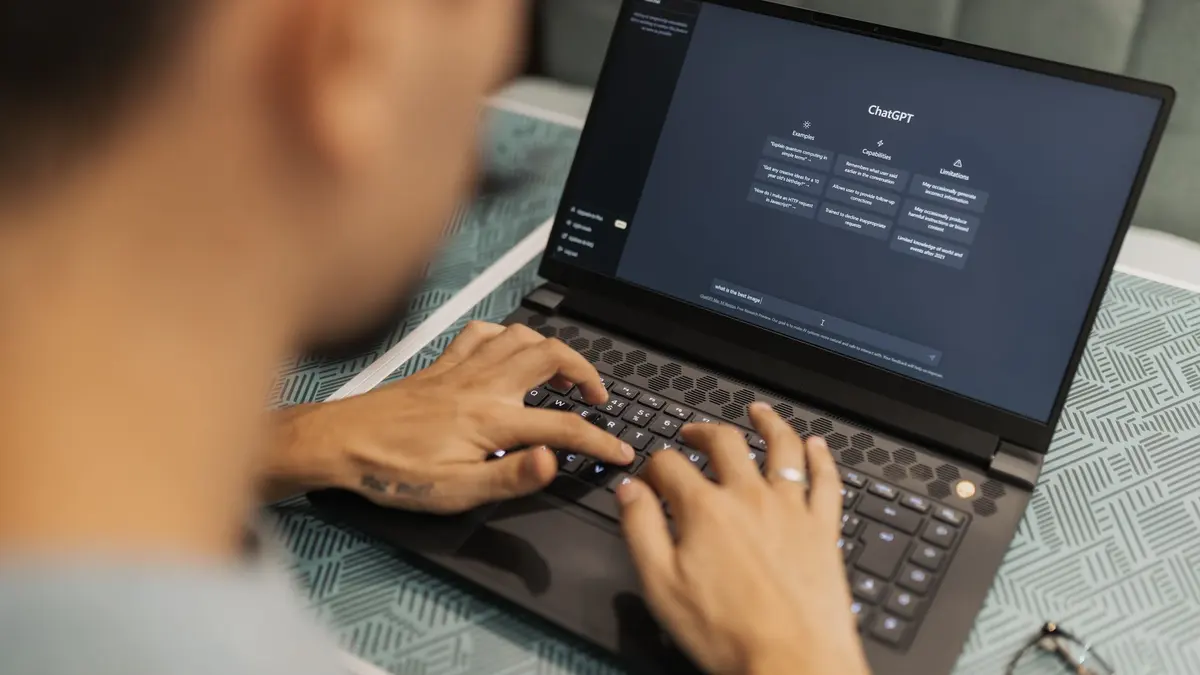
General assistants such as ChatGPT are perfectly good for outlines, slide text and speaker notes that you paste in yourself. OpenAI's prompt engineering guide is a solid reference for writing better instructions.
Design tools with AI layout features can arrange slides quickly. Useful for speed, and no substitute for deciding what belongs on the slide.
Tool choice genuinely matters less than the editing discipline. A well-edited deck from a basic tool beats a lightly edited one from an expensive tool every time.
The checks before you present
- Is there one sentence I want remembered? If not, stop and find it.
- Does every slide title say something? Labels are a warning sign.
- Have I checked every figure against its source?
- Is there anything on a slide I could not defend if challenged? Cut it or learn it.
- Have I said this out loud once? The opening especially.
What AI is bad at, honestly
Knowing what matters to the eight specific people in your meeting. Recognizing that the second point is politically loaded. Judging when a chart is misleading. Understanding that the CFO always asks about the assumption behind the forecast.
Those are the parts that make a presentation land, and they are yours.
Where to learn the workflow
AI-powered presentations covers the end-to-end workflow, and the PowerPoint certificate covers the craft underneath it: structure, the slide master, charts and delivery. If you want to get better at prompting generally, AI prompt engineering is in the AI & Automation school.
One subscription opens all of them. Draft fast, edit hard, and keep the thinking.
Questions people ask
Can AI make a PowerPoint for me?
It can produce an outline, draft slide text and suggest a structure in seconds. It cannot know which point your audience needs, which numbers are sensitive, or what you can defend in the room, so treat it as a first draft.
What is the best AI tool for presentations?
The one already in your workflow. Microsoft 365 Copilot works inside PowerPoint, and general assistants like ChatGPT are fine for outlines and slide text you paste in. Tool choice matters less than the editing you do afterwards.
Will people notice a deck was AI-assisted?
They notice generic phrasing, three-word bullet points that say nothing, and slides that repeat each other. Editing for specifics fixes all three, and specifics are exactly what AI cannot invent about your work.
Is it safe to paste work data into an AI tool?
Check your organization's policy first. Many companies allow approved tools only, and some prohibit customer data entirely. When in doubt, use anonymized or example numbers in the prompt.
Does AI replace presentation skills?
No. It removes the blank page and speeds up drafting. Deciding the point, choosing what to cut and delivering it in the room are still yours, and they are what makes a presentation work.