Graphic Design & Illustration · Tools
Is Procreate free?
No, and it is a one-time purchase rather than a subscription, which makes it unusually good value. Here is what you actually need to buy, including the hardware.
The Nextversity teamGraphic Design & Illustration schoolUpdated August 10, 20265 min read
On this page
The short answer
No, Procreate is not free. It is a paid app on the App Store, and crucially it is a one-time purchase rather than a subscription, which in a market of monthly fees is genuinely unusual.
The real cost is the hardware. Procreate is iPad-only, and it needs a supported stylus to be worth using. That is the number to budget for, not the app.
Prices change by region, so check the App Store and Procreate's own site for current details.
What you actually need
An iPad. Any reasonably recent model that supports a stylus will run it. More RAM means more layers at large canvas sizes, which matters if you work big, and less than beginners assume otherwise.
A stylus with pressure sensitivity. This is not optional in practice. Pressure and tilt are how you vary a line, and drawing with a finger is a demonstration rather than a workflow.
Procreate itself. One purchase.
Optionally, a matte screen protector. It adds friction so the stylus does not skate on glass. Small purchase, disproportionate improvement.
Procreate, Procreate Pocket and Procreate Dreams
Three separate apps, bought separately:
- Procreate for iPad. The main one.
- Procreate Pocket for iPhone. Same idea, small screen, genuinely useful for sketching on the move.
- Procreate Dreams for animation, also on iPad. Related and separate, and worth knowing about if animation is your goal.
Buying one does not give you the others.
Why the one-time purchase matters
Over a few years, a one-time purchase against a monthly subscription is a large difference, and it changes how it feels to use the app: there is no meter running, and no fear of losing access to your files if you stop paying.
That is worth stating plainly because subscription fatigue is real and this is one of the few serious creative tools that avoided it.
Expensive software does not make better work. But software that stops working when you stop paying does affect whether you open it.
The free alternatives
If the hardware is the blocker, honest options:
- Krita on desktop, free and open source, genuinely capable for illustration.
- Free tablet drawing apps, which vary widely and are usually fine for learning fundamentals.
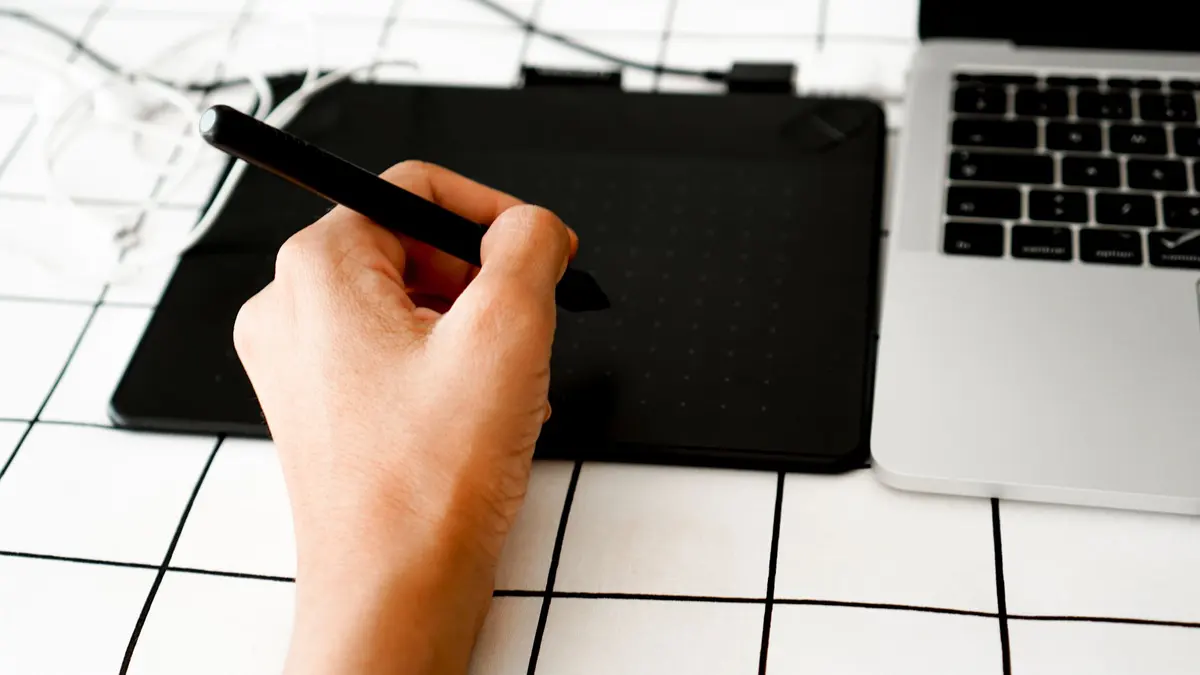
- A drawing tablet plus desktop software, which can be cheaper than an iPad depending on what you already own.
None of them replicate the specific feel of drawing directly on an iPad screen, which is what the money is buying.
Should you buy it?
Yes, if you draw or want to, you already have or want an iPad, and you want a tool you own outright.
Not yet, if you have never drawn digitally at all. Try a free app on whatever you own for a few weeks first. Half the people who do find they love it and half find they do not, and both outcomes are useful.
No, if you are on Windows or Android. It does not exist there, and no amount of wanting it changes that.
What you can make with it
Illustration, concept art, comics, children's book art, tattoo design, pattern design, storyboards, and increasingly animation via Dreams. It is a professional tool used on professional work, not a toy that happens to be affordable.
If your interest is comics specifically, the comic book creation course covers the storytelling side, and the character design course covers concept work.
Where to learn it
The Procreate certificate covers brushes, layers, color and finishing an illustration properly, and there is a beginner walkthrough of the app here. Procreate's own help site is the reference for the tools themselves.
One subscription opens the whole Graphic Design & Illustration school.
Buy the app once. Spend the saved subscription money on learning to use it.
Questions people ask
Is Procreate free?
No. It is a paid app with a one-time purchase rather than a subscription, bought through the App Store. Check the App Store for the current price in your region.
Is Procreate a subscription?
No, and that is a large part of its appeal. You buy it once and own that app, with updates provided by the developer over time.
Do I need an Apple Pencil for Procreate?
Practically, yes. You can draw with a finger, and pressure and tilt sensitivity are what make the app work as an illustration tool, and those need a supported stylus.
Does Procreate work on iPhone or Android?
There is a separate iPhone app, Procreate Pocket, bought separately. There is no Android or Windows version, which is the main reason people choose an alternative.
What are the free alternatives to Procreate?
Krita on desktop is free and capable, and there are free drawing apps on tablets with varying quality. None quite match the feel of Procreate on an iPad, which is what people are paying for.