Programming & Web Development · Guide
HTML and CSS basics: build your first web page today
HTML is the structure, CSS is the appearance. In about an hour you can build a real page in a text editor, with no framework, no build step and nothing to install.
The Nextversity teamProgramming & Web Development schoolUpdated August 10, 20266 min read
On this page
The short answer
HTML is the structure. CSS is the appearance. HTML says "this is a heading, this is a paragraph, this is a link". CSS says "headings are dark blue and 32 pixels, with 16 pixels of space beneath".
You need nothing installed to start. A text editor and a browser is the entire toolchain, which makes this the most approachable corner of programming there is.
Build a page in the next ten minutes
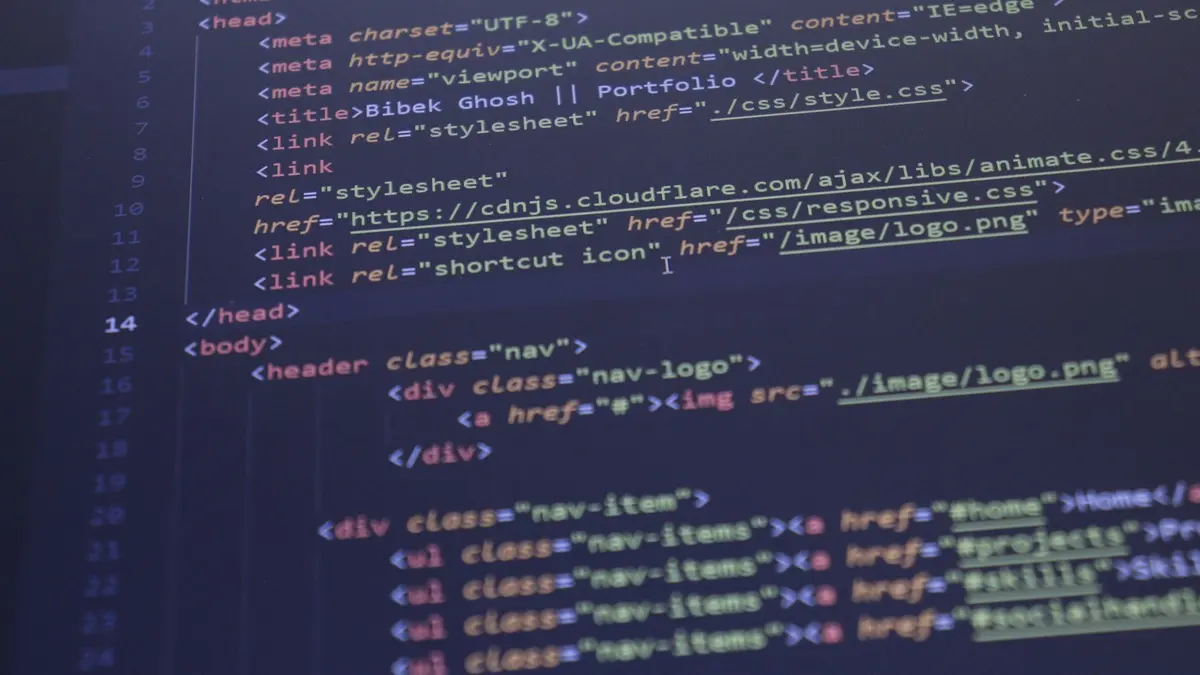
Create a file called index.html and paste this in:
<!DOCTYPE html>
<html lang="en">
  <head>
    <meta charset="utf-8">
    <meta name="viewport" content="width=device-width, initial-scale=1">
    <title>My first page</title>
    <link rel="stylesheet" href="style.css">
  </head>
  <body>
    <header>
      <h1>Sam Lee</h1>
      <p>Learning to build websites, one page at a time.</p>
    </header>
    <main>
      <h2>About</h2>
      <p>I am learning HTML and CSS. This is my first page.</p>
      <a href="https://developer.mozilla.org/en-US/docs/Web/HTML">MDN HTML docs</a>
    </main>
  </body>
</html>
Now a file called style.css next to it:
body {
  font-family: system-ui, sans-serif;
  line-height: 1.6;
  max-width: 40rem;
  margin: 0 auto;
  padding: 2rem;
  color: #1a1a1a;
}

h1 {
  color: #0e4365;
}

a {
  color: #0e4365;
}
Double-click the HTML file. That is a real web page, and it will render on any device.
What each part is doing
<!DOCTYPE html>tells the browser to use standards mode. Always the first line.<head>holds information about the page: title, character set, viewport, stylesheet link. None of it appears on the page itself.- The viewport meta tag is what makes the page behave on phones. Leave it out and mobile browsers pretend to be a desktop.
<body>holds everything visible.<header>,<main>are semantic elements. They tell browsers, screen readers and search engines what each region is for, which is why they beat a page made entirely of<div>.- In CSS,
body { ... }is a rule: a selector, then declarations of property and value.
The HTML worth knowing first
There are over a hundred elements and you will use about fifteen daily:
h1 to h6 for headings in order, p for paragraphs, a for links, img for images (always with alt text), ul and li for lists, header, nav, main, section, footer for structure, and form, input, label, button for forms.
Two rules that matter more than the list: use one h1 per page and do not skip heading levels, and write semantic HTML rather than reaching for a div every time. Both help accessibility and search engines for free. The MDN HTML reference is the place to look anything up.
The CSS worth knowing first
- Selectors. Element (
p), class (.card), and occasionally id (#header). Classes for almost everything. - The box model. Every element is a box with content, padding, border and margin. Confusion here explains most early layout frustration.
- Flexbox. One-dimensional layout: a row of cards, a nav bar, centering something. This is the tool you will reach for most.
- Grid. Two-dimensional layout: full page structures, galleries.
- Media queries.
@media (max-width: 40rem) { ... }to change the layout on small screens.
Flexbox and grid are where people spend the most time, and the MDN CSS docs have interactive guides for both.
Learn plain CSS before any framework. Tailwind and Bootstrap are shortcuts, and a shortcut over ground you have never walked just gets you lost faster.
What to build next
- A personal page. Name, a paragraph, links. Style it.
- A page with a nav bar and three cards. This forces you to learn flexbox.
- The same page, working on a phone. Media queries and a mobile-first mindset.
- A contact form. Labels tied to inputs, sensible types, a submit button.
Four small projects and you understand the fundamentals. That is a fortnight of evenings, not a semester.
When to add JavaScript
When the page needs to react: a menu that opens, content that loads without a reload, a form that validates as you type. Not before. HTML and CSS are a complete skill on their own, and plenty of paid work is exactly this: landing pages, email templates, theme edits.
Where to learn the rest
The HTML and CSS certificate covers structure, styling, layout and responsive design with projects to build. If you want the wider picture, there is a guide to becoming a web developer without a degree, and one subscription opens the whole Programming & Web Development school.
Open a text editor, save an .html file, and refresh a browser. You are a web developer as of about ten minutes ago.
Questions people ask
What is the difference between HTML and CSS?
HTML marks up the content and gives it structure: headings, paragraphs, links, images. CSS controls how that structure looks: color, spacing, layout, typography. You need both, and they are learned together.
Do I need to install anything to learn HTML?
No. A text editor and a browser are enough. Save a file ending in .html and open it in your browser. That is the entire toolchain for your first weeks.
How long does it take to learn HTML and CSS?
Basic pages in a weekend. Comfortable, responsive layouts in a few weeks of practice. CSS layout, meaning flexbox and grid, is the part that takes real repetition.
Is HTML a programming language?
Not strictly. It is a markup language, since it describes structure rather than logic. That is a technicality rather than a criticism, and no web developer skips it.
Should I learn Bootstrap or Tailwind first?
No. Learn plain CSS first, including flexbox and grid. Frameworks are shortcuts over knowledge you do not have yet, and they become genuinely useful once you understand what they are shortcutting.