The best video editing software for beginners (honest picks)
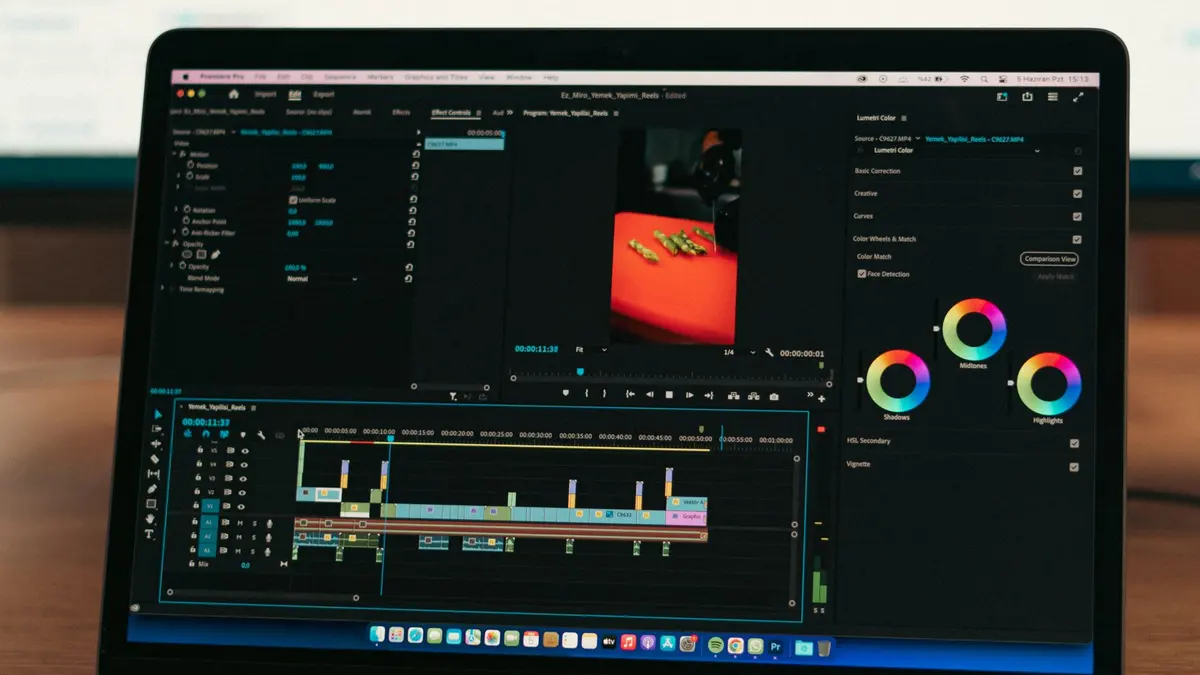
Three editors cover almost every beginner: CapCut for short-form social video, DaVinci Resolve if you want professional tools for free, and Premiere Pro if you want the industry standard. Here is how to pick in ten minutes.
The short answer
- Making short-form social video? CapCut. It's built for the format and you'll ship your first edit today. Start with the CapCut certificate.
- Want professional tools without paying? DaVinci Resolve, a genuinely free suite used on real productions. The Resolve certificate takes you from zero.
- Aiming at client work or a job? Adobe Premiere Pro is still the industry default, and the Premiere Pro certificate teaches it properly.
Everything below is the reasoning. But honestly: the fundamentals (pacing, story, sound, color) transfer between every editor. The tool you pick matters less than finishing edits in it.
How to actually pick (the free-trial weekend)
Before enrolling in anything, spend one weekend with the free version of your top pick. Import phone footage, cut a 60-second video, export it. Half the people who do this discover they love editing; the other half discover it bores them, before spending a cent. Both outcomes are wins.
Pay attention to how the timeline feels, not the feature list. Feature lists are marketing; the timeline is where you will live.
The three picks, compared honestly
CapCut: fastest to your first finished edit
Free, built around vertical video, with captions and effects where you expect them. Its ceiling is real (long-form and client work will outgrow it), but as a first editor for social content, nothing gets you shipping faster.
DaVinci Resolve: professional and free
The free version is not a trial; it's a professional editor with the best color tools in the business. The trade-off is a steeper first week and heavier hardware needs. If your computer is mid-range or better, this is the best value in editing.
Premiere Pro: the industry standard
Subscription-only, which stings, but it remains the default in agencies and production houses, and it connects to After Effects when you're ready for motion graphics. If the goal is employability, the line on your resume still reads best as Premiere.
Learn one editor properly before touching its competitor. Skills transfer; split attention doesn’t.
When you shouldn't buy anything
Don't pay for Premiere Pro to edit two family videos a year. CapCut or Resolve's free tier covers that forever. And don't upgrade your editor to fix boring footage; better source material improves an edit more than better software does.
Enroll in a course when you want the whole skill (pacing, sound, color, delivery) rather than one answer a free tutorial could give you.
Common questions
What is the best free video editing software for beginners?
DaVinci Resolve for standard video. The free version is a full professional suite. CapCut for short-form vertical content. Both are genuinely free rather than trial-limited.
Is Premiere Pro worth the subscription for a beginner?
Only if your goal is client work or employment, where it remains the industry default. If you are editing for yourself or social channels, start free with CapCut or Resolve and upgrade when a paying reason appears.
Can my laptop handle video editing?
CapCut runs on almost anything, including phones. Resolve and Premiere want a recent processor, 16 GB of RAM and ideally a dedicated GPU. Check the official system requirements before buying new hardware. Many mid-range machines are fine at 1080p.
Should I learn editing before motion graphics?
Yes. Motion graphics builds on editing fundamentals: timing, pacing, delivery. Cut real footage first, then step into After Effects when titles and animation start limiting your work.
How long until I can edit a decent video?
Your first watchable edit can happen this weekend. Editing that holds attention (clean cuts, good sound, deliberate pacing) typically takes a few weeks of consistent practice on real footage.