Rhino 3D vs Blender: which for product design?
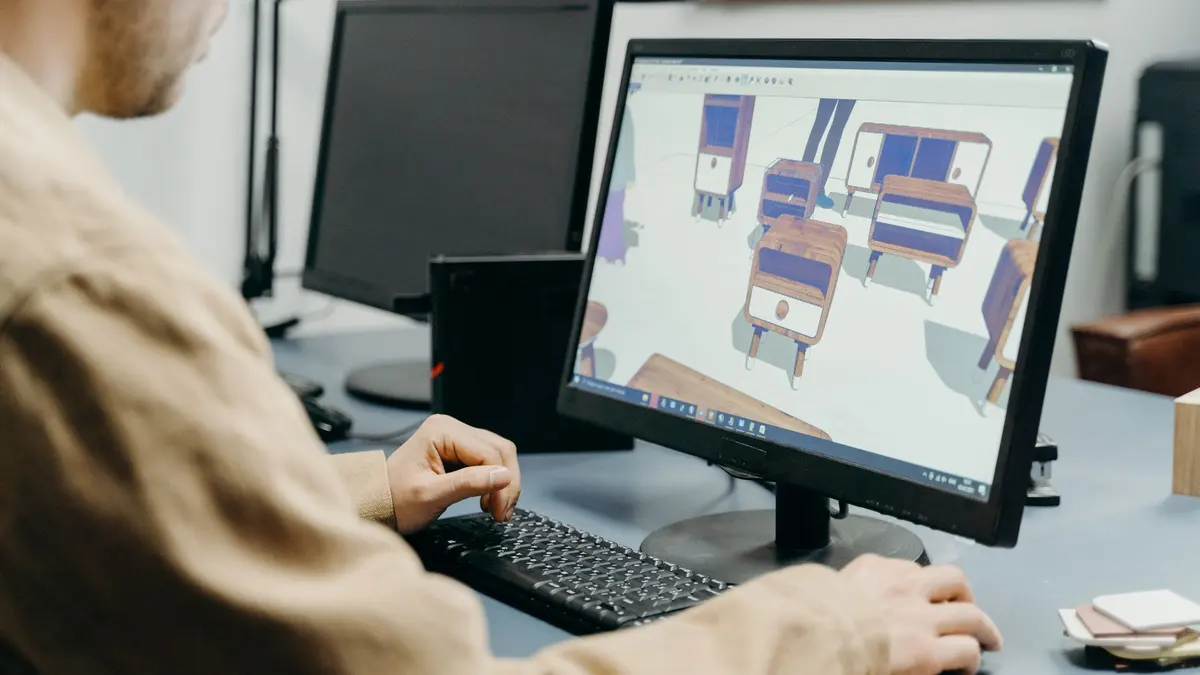
Rhino models with mathematical surfaces and exact dimensions. Blender models with polygons and renders beautifully. For something that gets manufactured, that difference decides it.
Read the post3D Design & Animation · Blog
Techniques, workflows and honest advice from the 3D Design & Animation school, written for people learning the craft.
Rhino models with mathematical surfaces and exact dimensions. Blender models with polygons and renders beautifully. For something that gets manufactured, that difference decides it.
Read the postBlender feels huge because it is huge: modeling, sculpting, animation, simulation, video editing, all in one window. You learn it by ignoring most of it: navigate, model, texture, light, render. In that order.
Read the postTexturing is telling the renderer what a surface is made of. PBR is the standard way to describe it, and it is four or five maps rather than one image.

Read the postBlender, unless a specific studio pipeline says otherwise. It is free, complete and taught everywhere. Maya's advantage is inside particular animation and VFX pipelines.
Read the postA 3D environment is just a lot of small props arranged and lit well. You make your first one by blocking out a small room, modeling a few key objects, texturing, lighting, and rendering. Small scene, real finish, every time.
Read the postBlock out the shapes, sculpt the form, retopologize for clean geometry, then texture. Here is the pipeline, and why your first character should be simple on purpose.
Read the postPick one software, learn the four operations that build most objects, and finish small models. Here is the order, and the concept that fixes most beginner work.
Read the postThe order that works: navigation, then modeling, then materials, then lighting, then rendering. Plus the shortcut list that turns Blender from awkward to fast.
Read the postModeling is building with clean geometry, like construction. Sculpting is shaping a digital lump of clay, like art class. For a first skill, start with modeling: it teaches the fundamentals every other 3D job depends on.
Read the postBlender is free forever, open source, and usable commercially with no restrictions. The catch is not money. It is the time it takes to learn, and nobody to call when you are stuck.
Read the postBlender is not hard so much as huge. One window holds modeling, sculpting, animation, simulation and video editing, so your first look is a wall of buttons for jobs you do not have yet. Learn one corner and the wall becomes a doorway.
Read the postSet a keyframe with I, move the playhead, change something, set another. That is animation. Here is the rest: the graph editor, easing, and rendering it without pain.
Read the postWant to go deeper than reading? Explore the 3D Design & Animation courses