How to learn Blender when it feels overwhelming
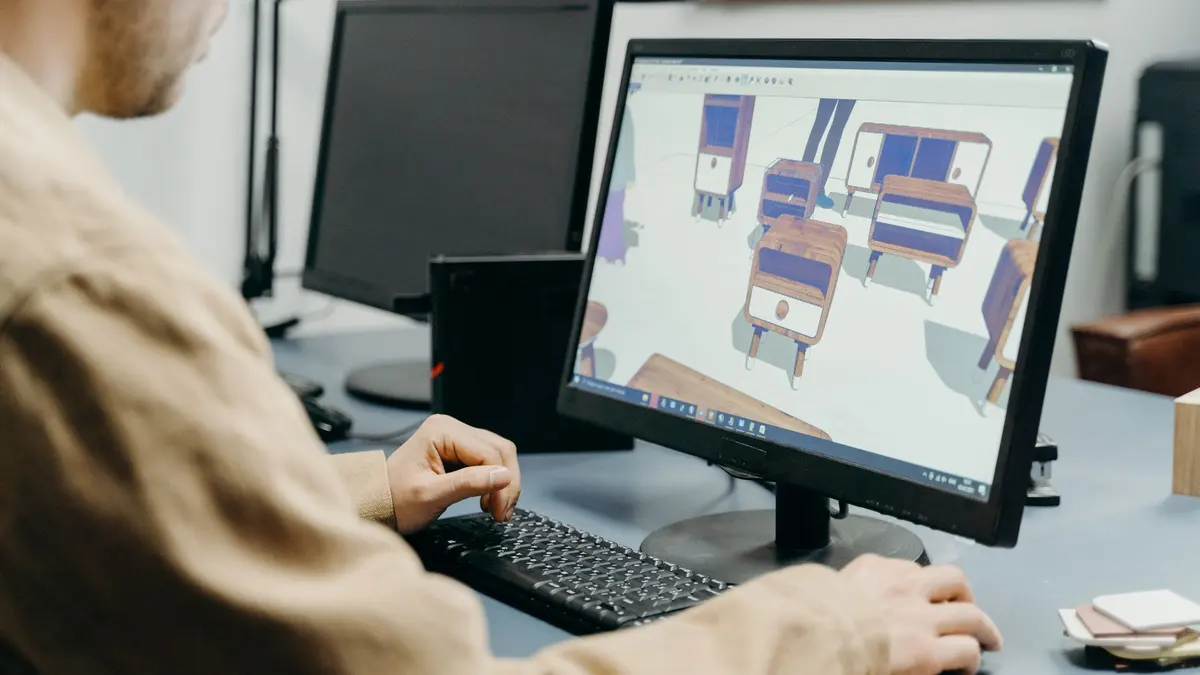
Blender feels huge because it is huge: modeling, sculpting, animation, simulation, video editing, all in one window. You learn it by ignoring most of it: navigate, model, texture, light, render. In that order.
The short answer
Learn Blender as a sequence, not a subject: viewport navigation first, then basic modeling, then materials and texturing, then lighting, then rendering. Each stage is a learnable week, and each produces something you can look at. The people who quit are almost always the ones who tried to learn 'Blender' all at once.
Blender is free and professional. It runs half the industry's previz and plenty of finished work. Expensive software doesn't make better 3D; finished projects do.
The hardest part of learning Blender isn't the donut. It's opening Blender the second time.
The five-stage sequence
- Navigation (days 1–3). Orbit, pan, zoom, and the handful of shortcuts (G, R, S, Tab) that everything else uses. Boring, and non-negotiable.
- Modeling (weeks 1–2). Box-model simple objects: a mug, a chair, a lamp. Ten simple models teach you more than one complicated one.
- Materials & texturing (week 3). Make surfaces read as metal, wood, fabric. This is where scenes start looking real. The texturing certificate goes deep here.
- Lighting (week 4). Three-point lighting and an HDRI will carry you a long way. Light is what separates renders that look 3D from renders that look photographed.
- Rendering (ongoing). Learn the difference between Eevee and Cycles, render your scenes, and post them somewhere. Feedback compounds.
The Blender fundamentals certificate walks exactly this sequence with a project per stage, and the official Blender manual is the reference to keep open beside it.
What to skip for now
Sculpting, geometry nodes, physics simulation, character rigging and the video editor. All good, none of it first. Every one of these is a rabbit hole that eats beginners who haven’t finished a simple scene yet.
A learner we’d call typical had bought five 3D courses across three platforms and finished none of them. The fix wasn’t a sixth course. It was one goal (a small furnished room), one sequence, and a pace that survives a normal week. Finishing that one scene rebuilt the habit that made everything after it possible.
How long until you’re "good"?
First presentable render: about a month at 30 minutes a day. Portfolio-level environment work: a few months of finished scenes. The variable that matters is finished scenes per month, not hours watched per week.
When Blender is the wrong first step
If your end goal is precision product design or architecture, a CAD-style tool fits better. That path runs through Rhino rather than Blender. And if you only need one 3D asset for one project, commissioning it costs less than a month of evenings.
Common questions
Is Blender really free?
Yes. Fully free and open source, for commercial work included. There is no paid tier; the project is funded by donations and industry sponsors.
How long does it take to learn Blender?
About a month of consistent short sessions to produce your first presentable render, and a few months of finished scenes to reach portfolio level. All five beginner stages are learnable at 30 minutes a day.
Do I need a powerful PC for Blender?
A mid-range machine handles modeling and Eevee rendering fine. Heavy Cycles renders benefit from a dedicated GPU, but you can learn every fundamental before that matters. Check blender.org’s requirements before upgrading anything.
Should I learn Blender or Maya?
For self-funded learners, Blender: it is free, professionally used, and has the largest learning community. Maya still dominates some large studios, but the skills transfer. Start where the cost of finishing is lowest.
Is the donut tutorial worth doing?
It teaches real fundamentals and millions have finished it. But a tutorial you follow is not a scene you made. Whatever you learn from it, rebuild something of your own straight after.