3D Design & Animation · Guide
3D modeling for beginners: where to start
Pick one software, learn the four operations that build most objects, and finish small models. Here is the order, and the concept that fixes most beginner work.
The Nextversity team3D Design & Animation schoolUpdated August 10, 20265 min read
On this page
The short answer
Pick Blender unless something specific points elsewhere. It is free, professional and has more learning material than any alternative.
Then learn the four operations that build most objects: extrude, inset, loop cut and bevel. Then finish three small models. That is the first month.
Choosing software
- Blender. Free, complete, huge community. The default recommendation, and there is a breakdown of what free means here.
- Rhino. Precision modeling with NURBS surfaces, used in product, jewelry and architectural design. Different discipline, and there is a comparison.
- Maya. Studio standard in some animation and VFX pipelines. There is a comparison with Blender.
- CAD packages. For manufacturing and engineering, which is a genuinely separate field.
Learning one properly transfers most of the way to any of the others, because the concepts are shared and only the menus differ.
The four operations
Almost every hard-surface model is these, repeated:
Extrude. Pull a face outward to create new geometry. Turns a plane into a box and a box into a building.
Inset. Create a smaller face inside an existing one, ready to extrude in or out. This is how you make panels, buttons and recesses.
Loop cut. Add an edge loop around the shape, giving you more geometry to work with and controlling where a smooth surface stays sharp.
Bevel. Round an edge. Nothing in the real world has a perfectly sharp edge, and beveling everything slightly is one of the fastest ways to make renders look believable.
Add a subdivision surface modifier on top and you have the workflow behind an enormous amount of professional hard-surface modeling.
Topology, the concept that fixes most beginner work
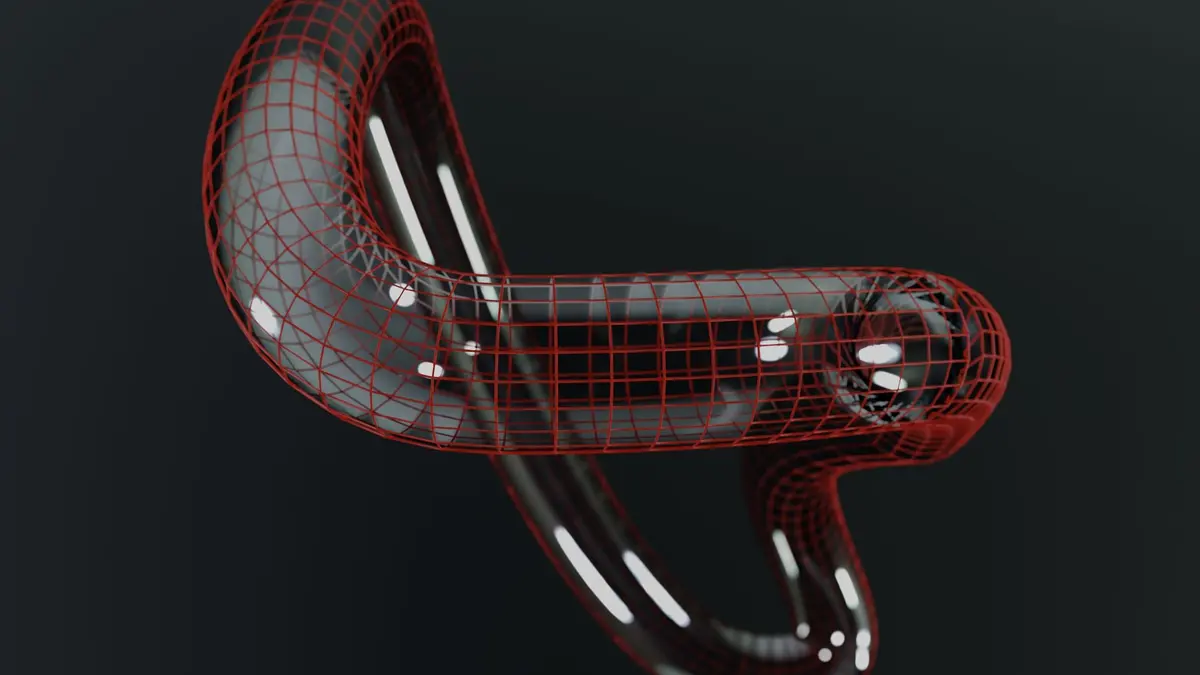
Topology is how the polygons are arranged. Good topology means:
- Mostly quads (four-sided faces). Triangles and n-gons cause problems when smoothing or deforming.
- Sensible edge flow, following the form of the object.
- Even density where you need detail, sparse where you do not.
It matters most for anything that will bend (characters, cloth) or be smoothed. For a static prop rendered once, you can get away with a lot.
Beginners often ignore it, then discover their model shades strangely or deforms badly and cannot work out why. Learning it early is much less painful than fixing it later.
Modeling versus sculpting
Modeling builds from polygons with precise control. Best for hard surfaces: vehicles, buildings, furniture, props.
Sculpting pushes a dense mesh around like clay. Best for organic forms: characters, creatures, rocks, cloth.
Professional character work usually does both: sculpt for form, then retopologize to create clean geometry over the top. The character modeling course covers that workflow, and there is a starter guide.
Ambitious first models do not get finished. Three small finished objects teach you more than one abandoned spaceship, and you get to look at them.
Your first three models
- A simple prop with hard edges. A mug, a book, a phone. Teaches extrude, inset, bevel.
- Something with panels. A camera, a games console, a toaster. Teaches loop cuts and edge flow.
- A small scene. Three objects, a surface, lighting. Teaches composition and the whole pipeline through to render.
Use reference images. Every professional does, and modeling from imagination is unnecessarily hard.
What comes after modeling
- UV unwrapping and texturing. Flattening a model so images can be applied. There is a guide to texturing and PBR and a course.
- Lighting and rendering. The stage that most determines whether the work looks good.
- Animation. There is a walkthrough.
- Environments. The environment design course.
Where to learn it
The Blender fundamentals certificate covers modeling, materials, lighting and rendering in order. The official Blender manual is the reference alongside it, and blender.org is where the software lives.
One subscription opens the whole 3D Design & Animation school.
One software, four operations, three finished models. That is where to start.
Questions people ask
What is the best 3D software for beginners?
Blender, for most people. It is free, capable enough for professional work, and has more learning material than anything else. Studios and industries with established pipelines may expect something specific.
How long does it take to learn 3D modeling?
Simple objects within weeks. Comfortable within months. Genuinely good takes years, which is true of most crafts and is not a reason to delay starting.
What is topology in 3D modeling?
How the polygons of a model are arranged. Good topology uses mostly four-sided faces with sensible edge flow, which matters for smoothing, deformation and anyone who works on the model after you.
Is modeling the same as sculpting?
No. Modeling builds objects from polygons with precise control. Sculpting pushes a dense mesh around like clay. Organic work often sculpts first, then retopologizes for clean geometry.
Do I need to be good at drawing?
No. 3D modeling is closer to construction than to drawing. Reference images and an eye for proportion matter more than draftsmanship.