FL Studio vs Cubase: which DAW fits the music you make?
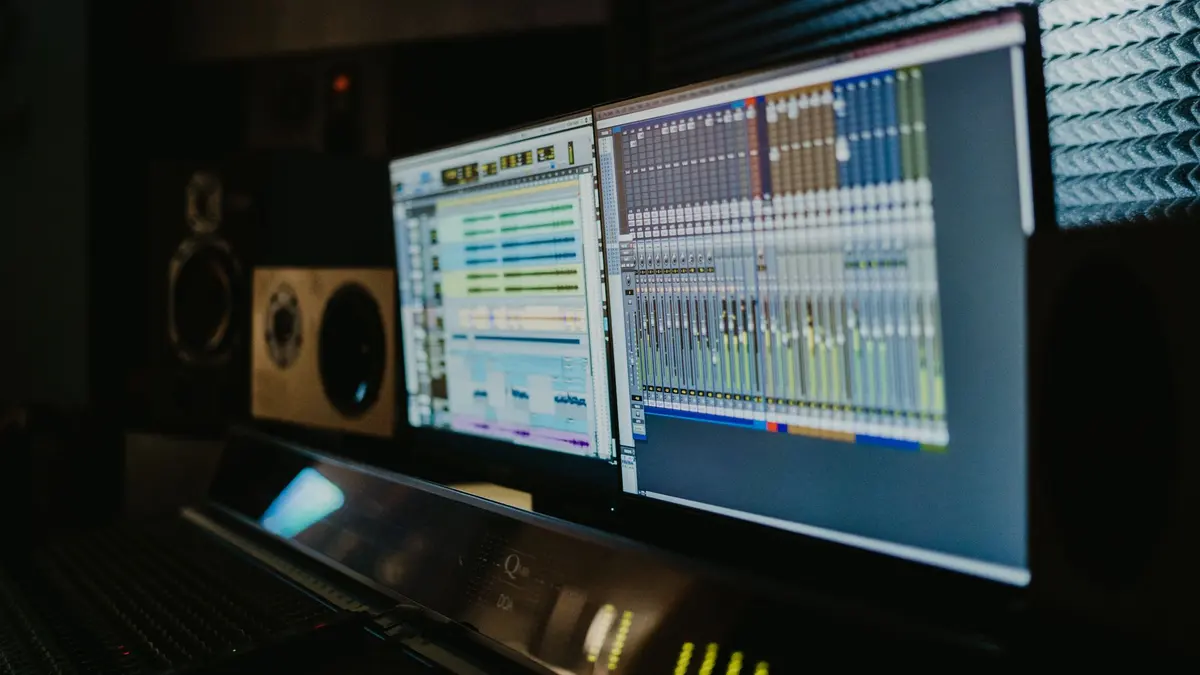
Make beats and electronic music? FL Studio. Record instruments and vocals, or arrange bigger productions? Cubase. Both are professional; the right answer is the one that matches your music, and then sticking with it.
The short answer
- [FL Studio](https://www.image-line.com): the beatmaker’s home. Pattern-based workflow, legendary piano roll, lifetime free updates. If your references are hip-hop, EDM, or lo-fi, start here: FL Studio certificate.
- [Cubase](https://www.steinberg.net/cubase/): the studio workhorse. Deep recording, editing and arrangement tools that shine with live instruments, vocals and orchestration: Cubase certificate.
Both export the same thing: finished audio. Nobody listening to your track can tell which DAW made it, a fact worth remembering before your third week of comparison videos.
The real difference is workflow
FL Studio thinks in patterns and loops: sketch an eight-bar idea in minutes, then arrange patterns into a song. Cubase thinks in a linear timeline from the start: record takes, comp them, edit, arrange (closer to how traditional studios work).
Neither is better. They're different default postures, and the one that matches your instinct will keep you producing. Try each demo for a weekend before deciding. The loudest signal is which one you reopen on Monday.
Whichever you pick: finish tracks
The pattern that stalls most home producers isn’t choosing the wrong DAW. It’s the eight-bar loop graveyard. Following tutorials, making great-sounding loops, finishing nothing. The way out is structural: commit to a complete song per project, however rough.
- Take one loop you already like.
- Force an arrangement: intro, verse energy, chorus energy, ending. Ugly is fine.
- Mix it for one hour, not one month.
- Export it, name it, and start the next one.
Finishing one track beats starting ten. Completion is the skill under the skill.
When you shouldn’t buy either yet
Both DAWs cost real money. If you’re not sure production is your thing, spend a weekend in a free tool or the FL Studio demo first, and only buy when you hit its limits. And if your machine can barely run a browser, budget for the computer before the software. A struggling DAW kills more enthusiasm than any missing feature.
Common questions
Is FL Studio good for professional music?
Yes. Chart-topping producers work in FL Studio, and its lifetime free updates make it one of the best long-term values in music software. Professional results come from the producer, not the logo on the splash screen.
Is Cubase harder to learn than FL Studio?
Slightly, at first: Cubase exposes more of the traditional studio workflow up front. If you are recording live audio it repays that learning curve quickly; if you are making beats, FL Studio’s pattern workflow feels faster sooner.
Can I switch DAWs later without losing my skills?
Yes. Song structure, sound selection, mixing and arrangement all transfer. You relearn shortcuts and menus, not music production.
What computer do I need for music production?
Any recent mid-range machine handles beginner production comfortably. Prioritize RAM (16 GB is comfortable) and a quiet room over exotic hardware; add an audio interface only when you start recording live sources.
FL Studio vs Ableton: why isn’t Ableton in this comparison?
Ableton Live is a strong third option, especially for live performance. This comparison covers the two DAWs Nextversity currently teaches; the workflow advice (pick by your music, then finish tracks) applies to Ableton too.