How to mix your own music: a beginner-friendly order
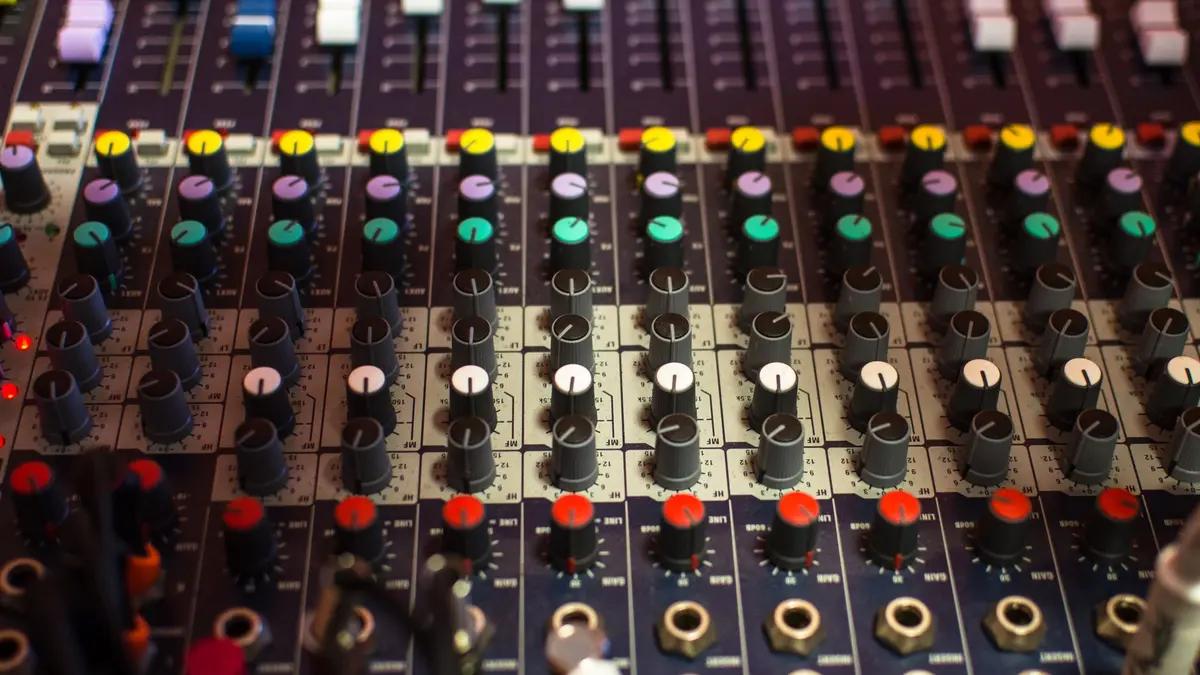
Mixing makes the parts of your track sit together so the whole thing sounds clear and balanced. As a beginner, the most useful thing you can do is mix in a fixed order instead of poking at random faders. Order turns an overwhelming task into a checklist.
The short answer
Mixing is the craft of making all the parts of your track sit together so the whole thing sounds clear, balanced and loud enough. As a beginner, the single most useful thing you can do is mix in a fixed order instead of poking at random faders. Order turns an overwhelming task into a checklist.
And before the order: mixing is not where a weak arrangement gets rescued. A well-arranged track half-mixed usually beats a poorly-arranged one mixed for a month. Get the parts and the structure right first, then mix.
A beginner mixing order that works
Follow this roughly top to bottom. You can loop back, but starting here keeps you from chasing your own tail.
- Balance the volumes first. Before any effect, pull every fader down and set levels so you can hear each part clearly. Most "bad mixes" are just bad volume balance wearing a costume. This one step fixes more than any plugin.
- Set your levels around the loudest important part, usually the drums or the lead vocal, and build everything else relative to it.
- Carve space with EQ, gently. Cut frequencies that clash before you reach for boosts. If two sounds fight, make room by taking a little away from one, not by turning both up.
- Control the dynamics with compression, lightly. Compression evens out parts that jump around in volume, like a vocal. Start subtle. Heavy compression is a sound, not a default.
- Add depth with reverb and delay, sparingly. A little creates space. A lot turns your track into a foggy swimming pool. When in doubt, use less.
- Reference, rest, and revise. Compare against a track you like, then leave it overnight. Fresh ears catch what tired ears cannot.
If you only remember one rule: get the volume balance right before you touch a single effect. It is unglamorous and it is most of the mix.
The handful of tools you will actually use
Beginners often assume mixing means dozens of plugins. It mostly means four tools used with restraint, all of which ship with your DAW:
- Volume (the fader): the most powerful mixing tool there is, and the most ignored.
- EQ: shapes the tone of a sound and clears space between parts.
- Compression: controls how much a sound jumps around in loudness.
- Reverb and delay: add space and a sense of place.
That is enough to mix a genuinely good track. Both FL Studio and Cubase include professional versions of all of these in the box. You do not need to buy a thing to learn to mix.
Common beginner mistakes
A few habits trip up almost everyone at the start. None of them are character flaws; they are just the normal potholes.
- Mixing too loud. Loud volume flatters everything and hides problems. Mix at a moderate level and your decisions get better.
- Boosting when you should cut. The instinct is to turn things up. The fix is usually to turn a competing sound down.
- Adding effects to hide a weak part instead of fixing the part. Reverb is not a rescue.
- Never taking a break. Ears fatigue fast. What sounds perfect at midnight often sounds muddy in the morning.
Reputable, hype-free resources like Sound on Sound are worth reading when you hit a specific wall, which is different from binge-watching mixing videos in place of actually mixing.
When you should not be mixing yet
Do not mix an unfinished arrangement. If the song is still a loop, or sections are missing, mixing is premature and you will only redo it once the track changes. Finish the arrangement first, then mix. Polishing a draft you are about to rewrite is wasted effort.
And do not chase a professional master on your first ten tracks. Early on, the goal is a clean, balanced mix you finished, not a competition-ready one. Perfectionism is just the loop trap in a different outfit. When you want the whole path from first sound to final export, the FL Studio and Cubase certificates cover arrangement, mixing and mastering in order, so you are not stitching it together from scattered tutorials.
Common questions
How do I start mixing my own music?
Start by balancing volumes before any effects: pull the faders down and set clear levels for every part. Most beginner mix problems are volume problems in disguise. Then add EQ, compression and reverb in that order, gently.
What order should I mix in?
Volume balance first, then EQ to carve space, then light compression, then a little reverb and delay, then reference and revise. Working in a fixed order keeps a big task manageable.
Do I need expensive plugins to mix?
No. Every DAW ships with professional EQ, compression, reverb and delay, which is everything you need to mix a strong track. Learn the stock tools before buying more.
Should I mix or master first?
Mix first, master last. Mixing balances the parts within the song; mastering polishes the finished stereo track as a whole. You cannot master your way out of a rough mix.
Why does my mix sound muddy?
Usually too many sounds competing in the same low-mid frequencies, mixing too loud, or too much reverb. Try cutting rather than boosting, turn the monitoring level down, and take a break so your ears reset.